01 · Import
Drop it in.
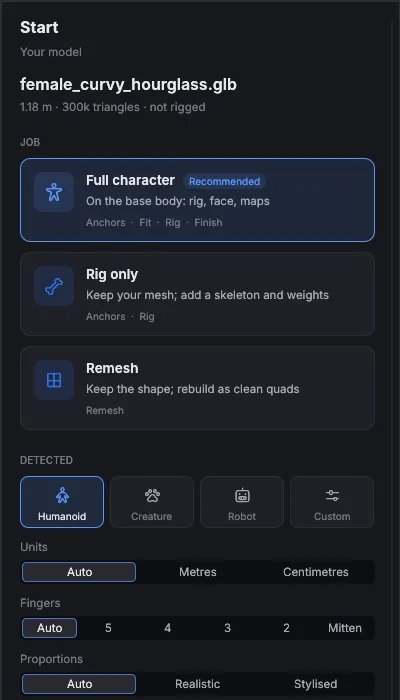
FBX, glTF, GLB or OBJ. Enfigure reads the file, detects what it holds and proposes the job.
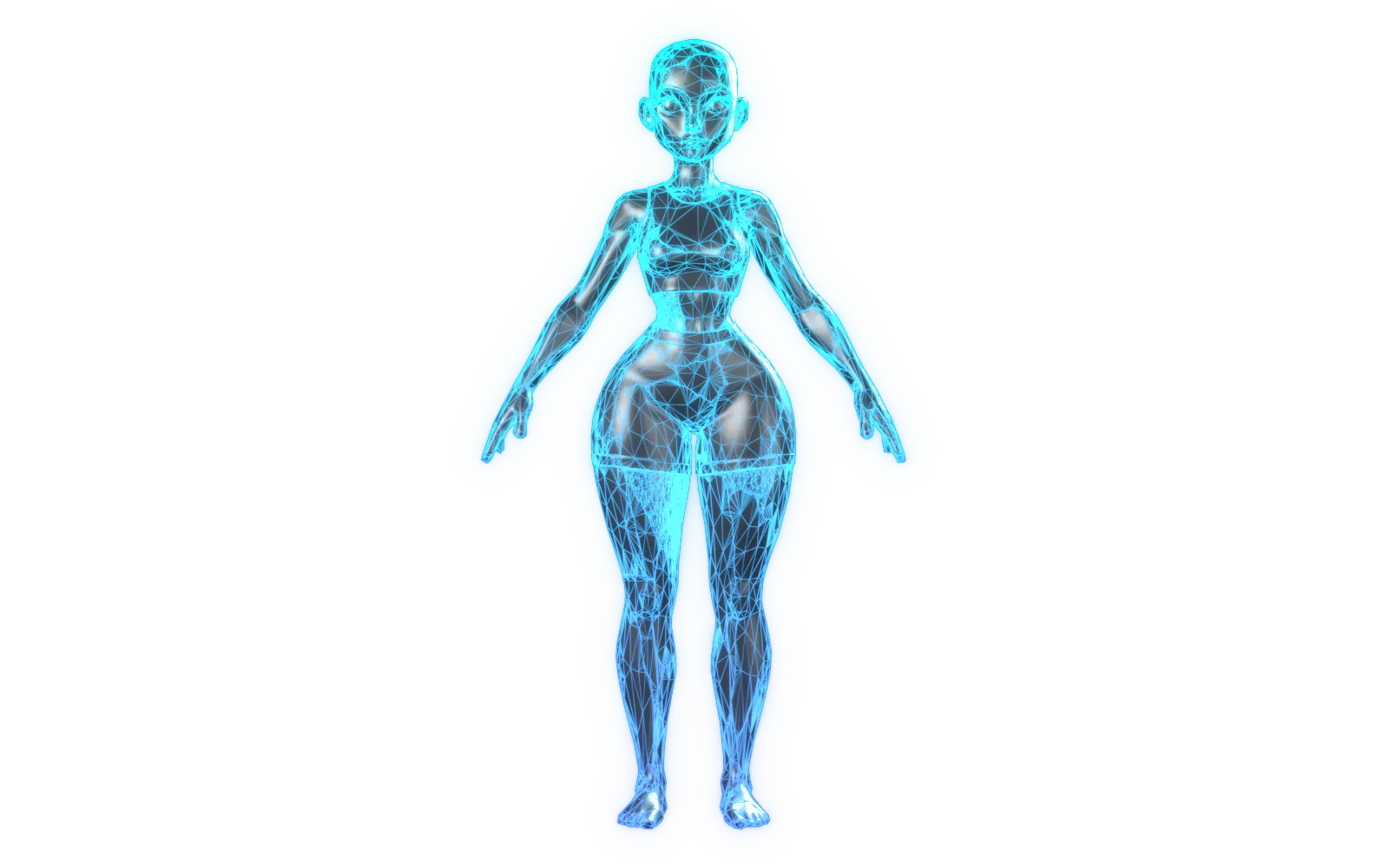
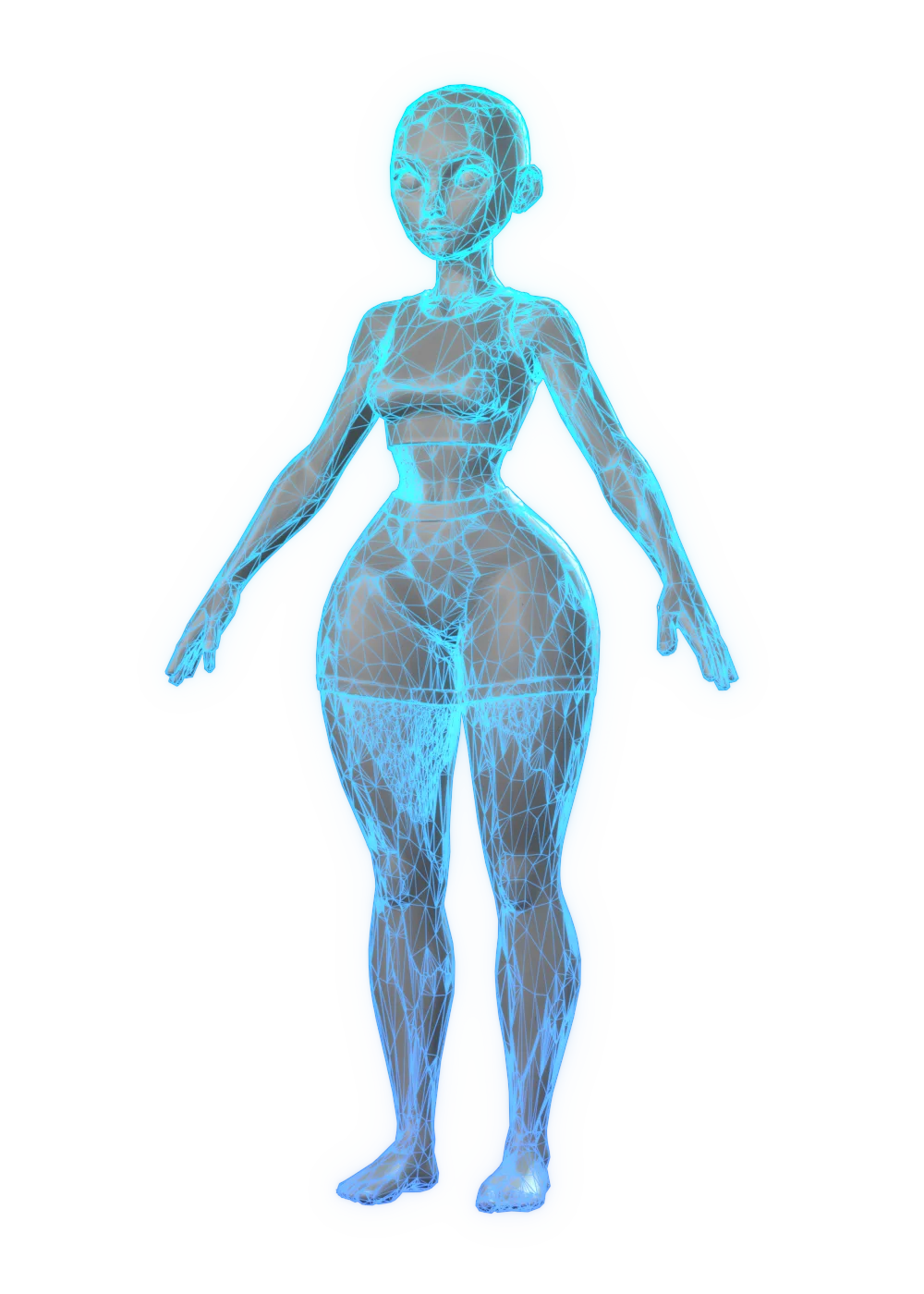
Raw AI mesh·999,216 triangles · no skeleton
Enfigure rebuilds the topology, fits a real skeleton, bakes the maps and exports to Unreal, Unity and glTF. All on your own machine.
Public beta · Windows and macOS
The problem
AI generators and scanners hand you a statue. Beautiful in a render, useless in an engine: nothing to deform, nothing to animate, nothing to dress.
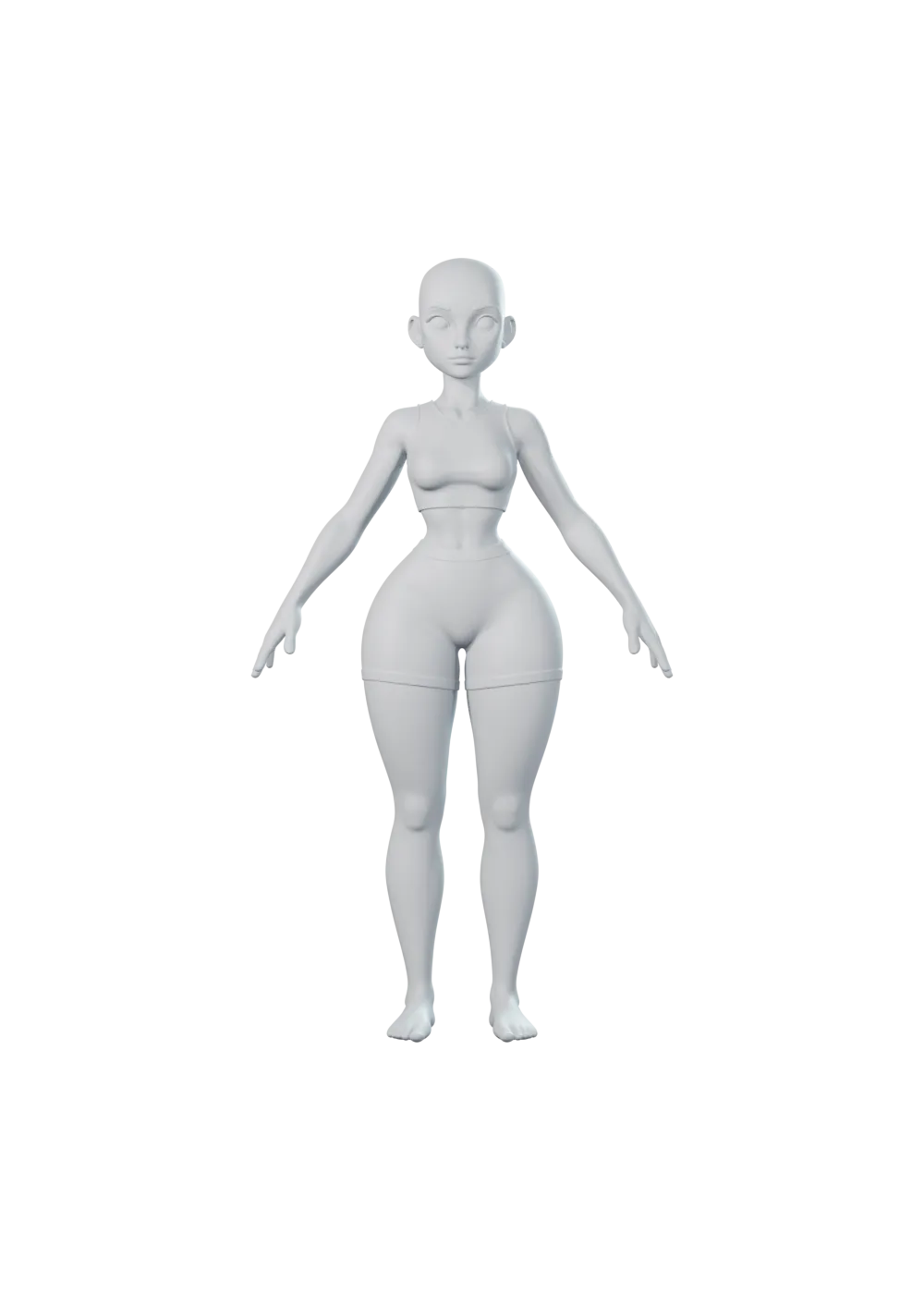
Eyes painted on. No mouth inside.
999k triangles. No edge flow.
Clothes fused to the skin.
No skeleton. No weights.
One mesh. One material.
The result
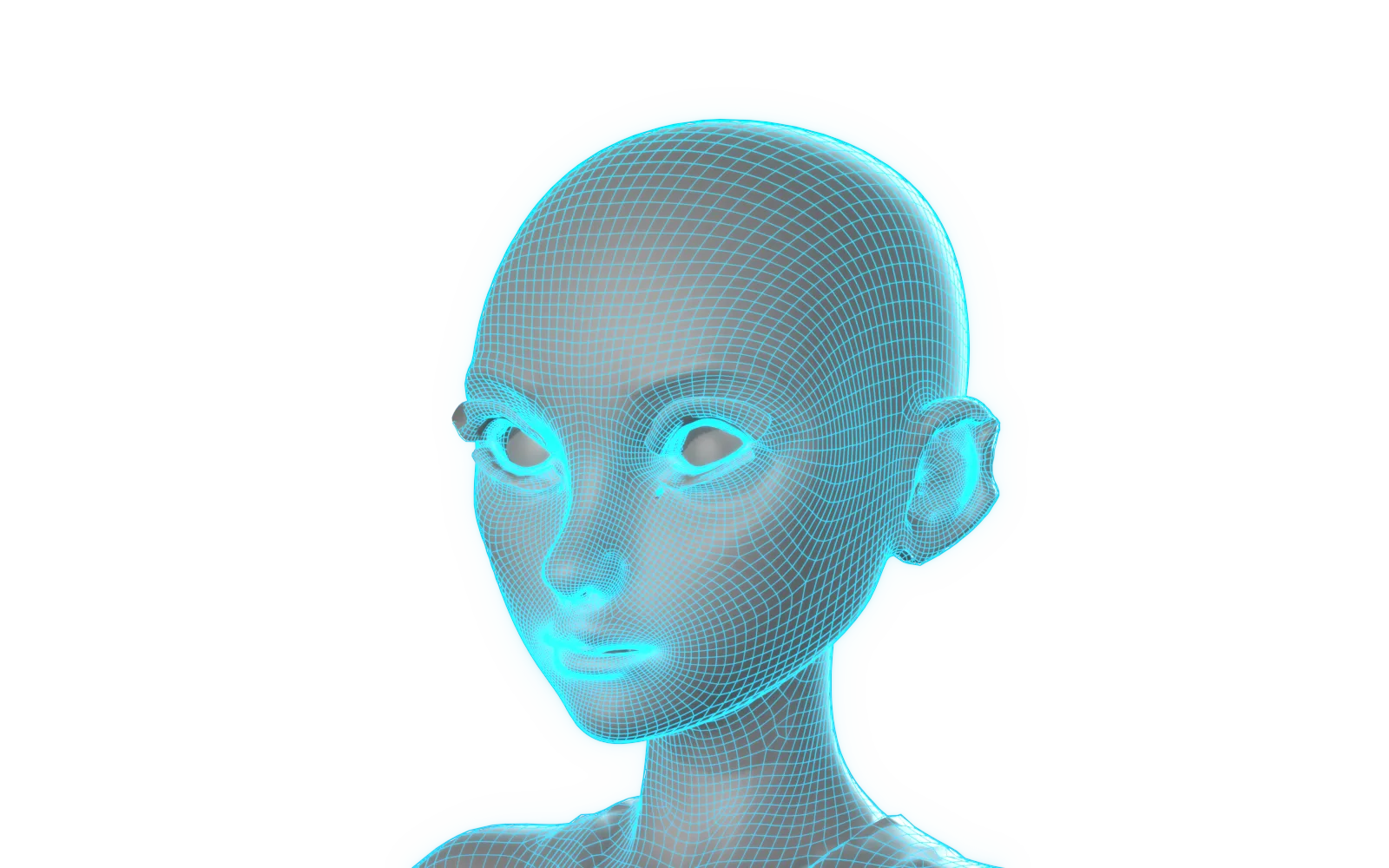
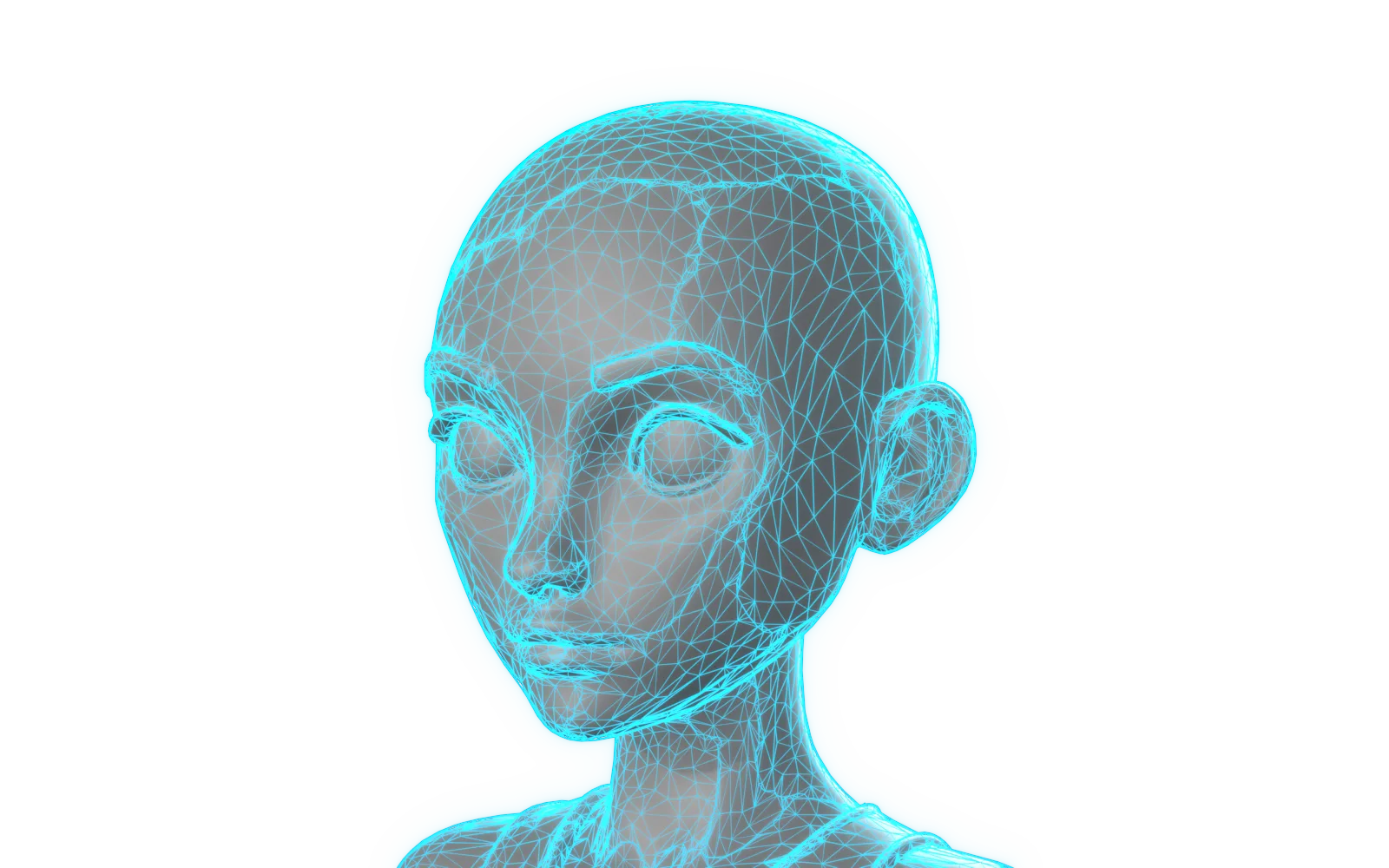
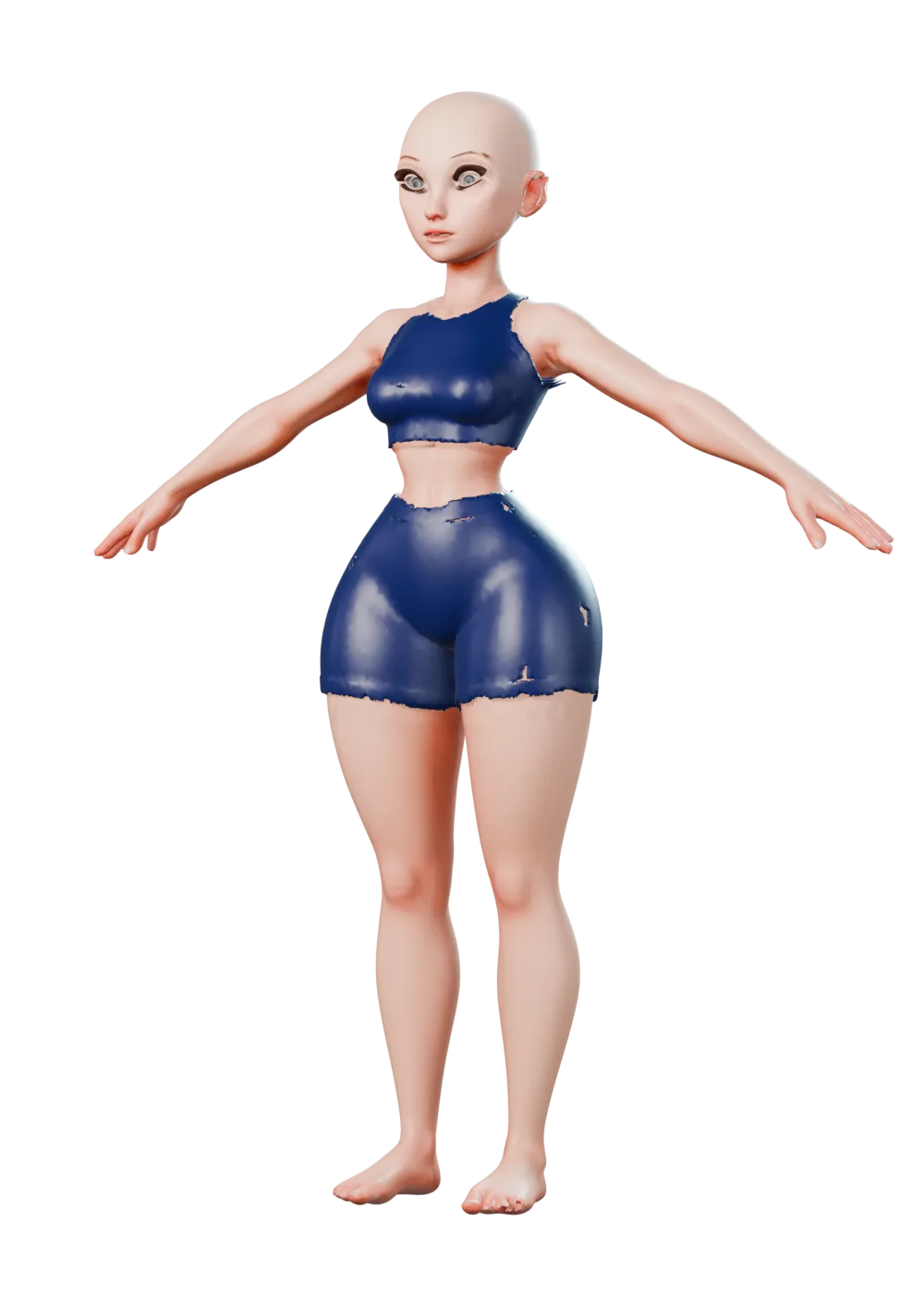
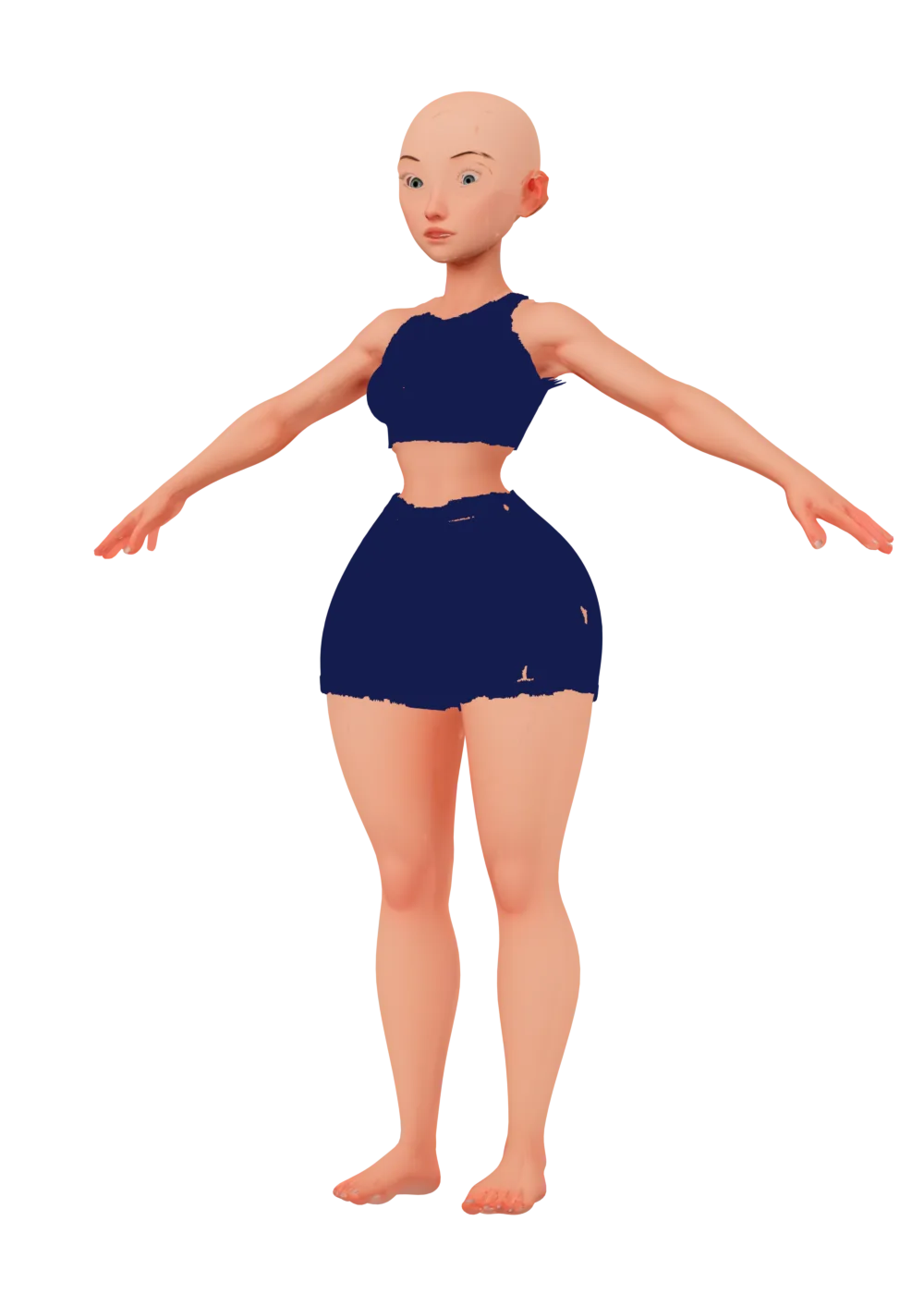
Drag to compare. Rendered from the app's export.
How it works
Seven steps, one app. Enfigure proposes, you confirm. Nothing destructive happens without you.
01 · Import
FBX, glTF, GLB or OBJ. Enfigure reads the file, detects what it holds and proposes the job.
02 · Remesh
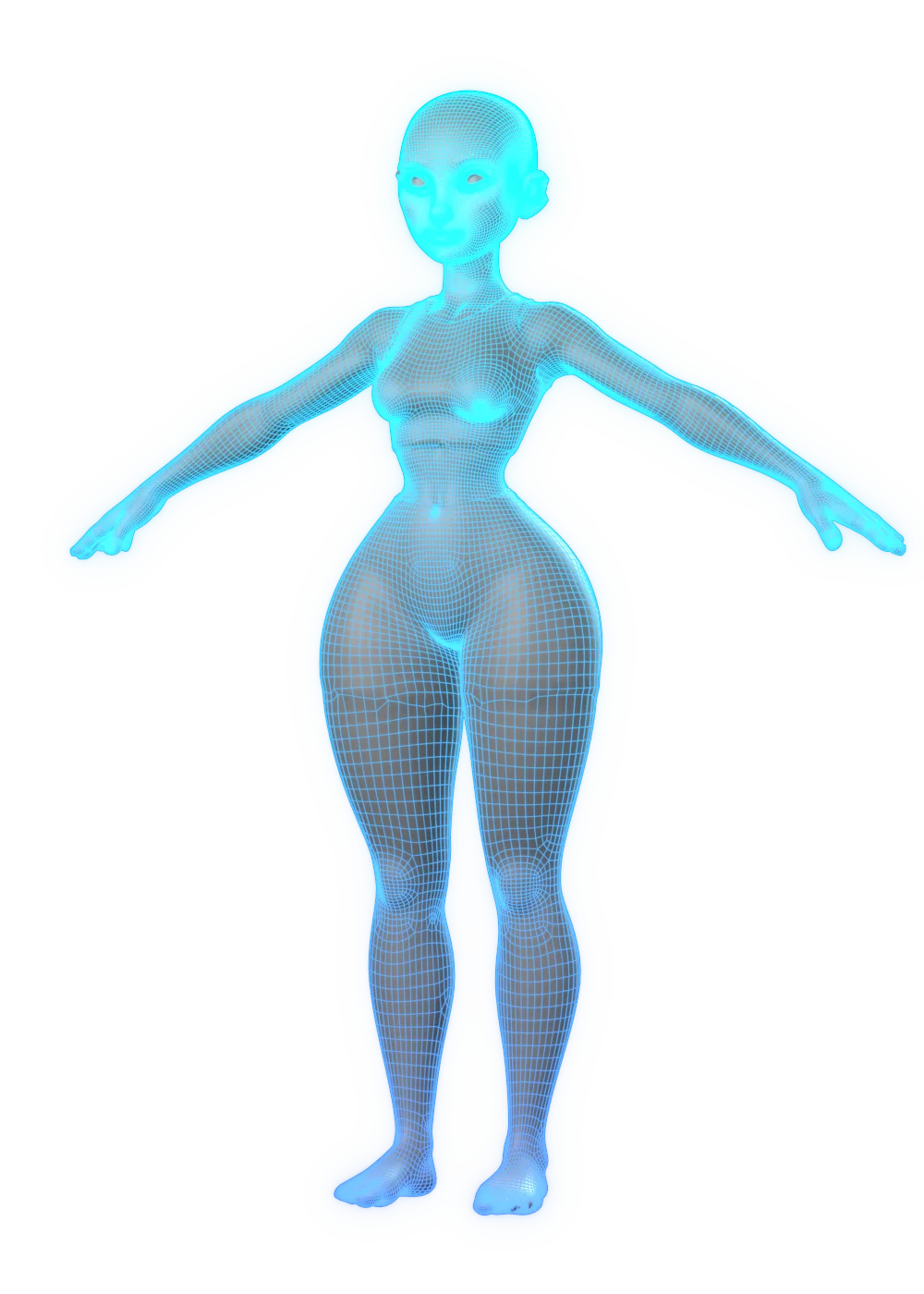
Opt-in retopology turns triangle soup into edge loops that deform. Revert any time.
03 · Anchors
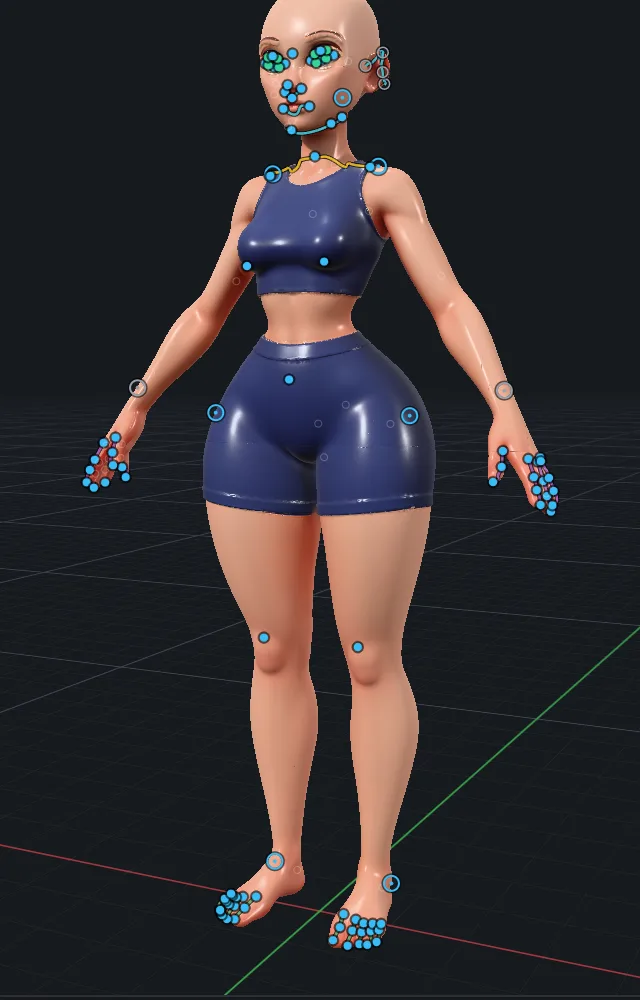
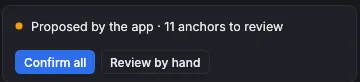
Points and curves land on the body. The ones Enfigure is unsure about wait for your call.
04 · Fit
The base body takes on your mesh's proportions. Horns, tails and creature parts stretch from it.
05 · Rig
101 bones and skin weights in one pass. Pose it to check, paint weights where you need to.
06 · Finish
Colour, normal, occlusion, height and more, baked onto clean UVs at the size your target needs.
07 · Export
Unreal 5, Unity 6, Godot, Blender, Maya, glTF and the web, each with its own units, normals and packing.
01 · Import
FBX, glTF, GLB or OBJ. Enfigure reads the file, detects what it holds and proposes the job.
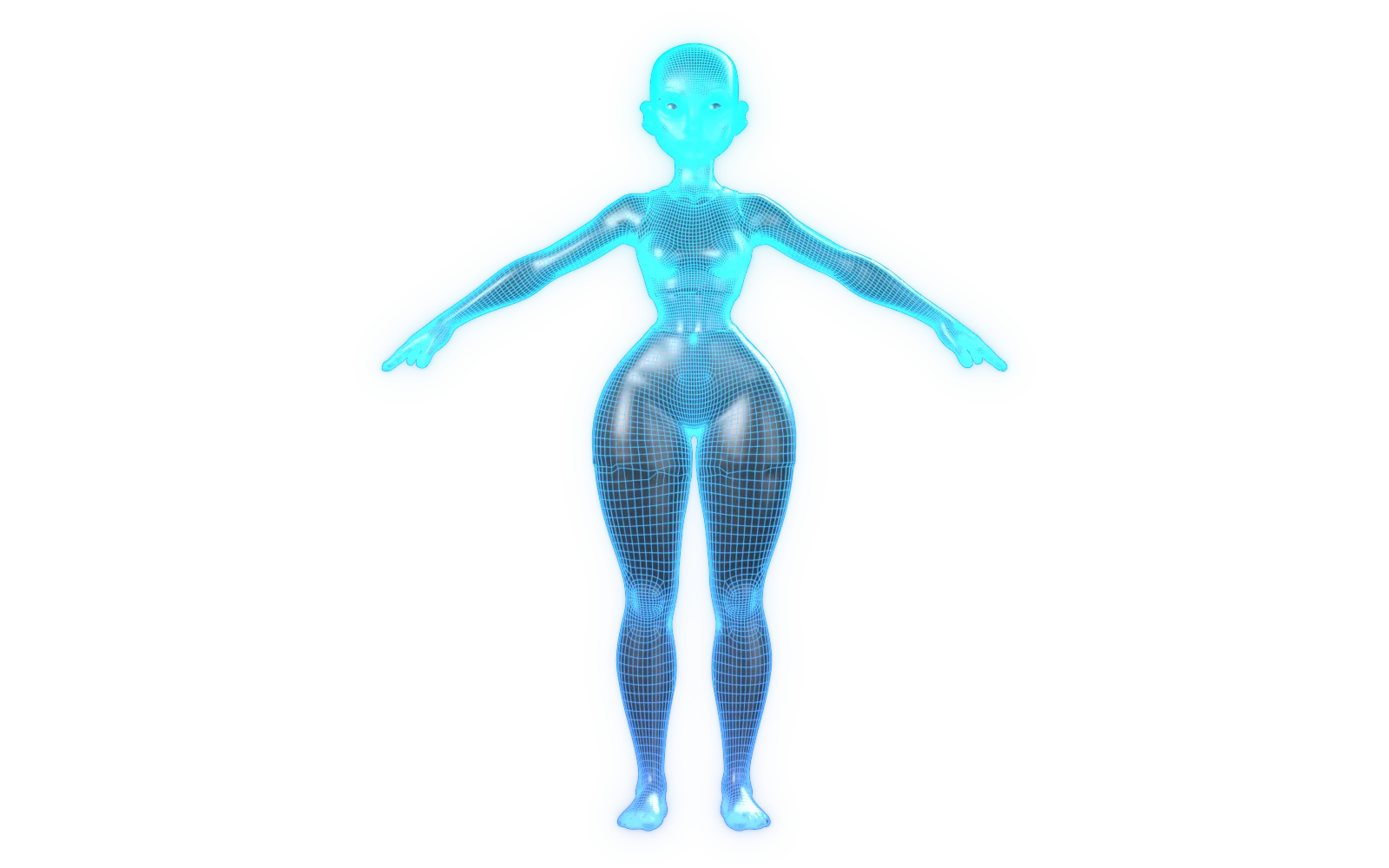
02 · Remesh
Opt-in retopology turns triangle soup into edge loops that deform. Revert any time.
03 · Anchors
Points and curves land on the body. The ones Enfigure is unsure about wait for your call.
04 · Fit
The base body takes on your mesh's proportions. Horns, tails and creature parts stretch from it.
05 · Rig
101 bones and skin weights in one pass. Pose it to check, paint weights where you need to.
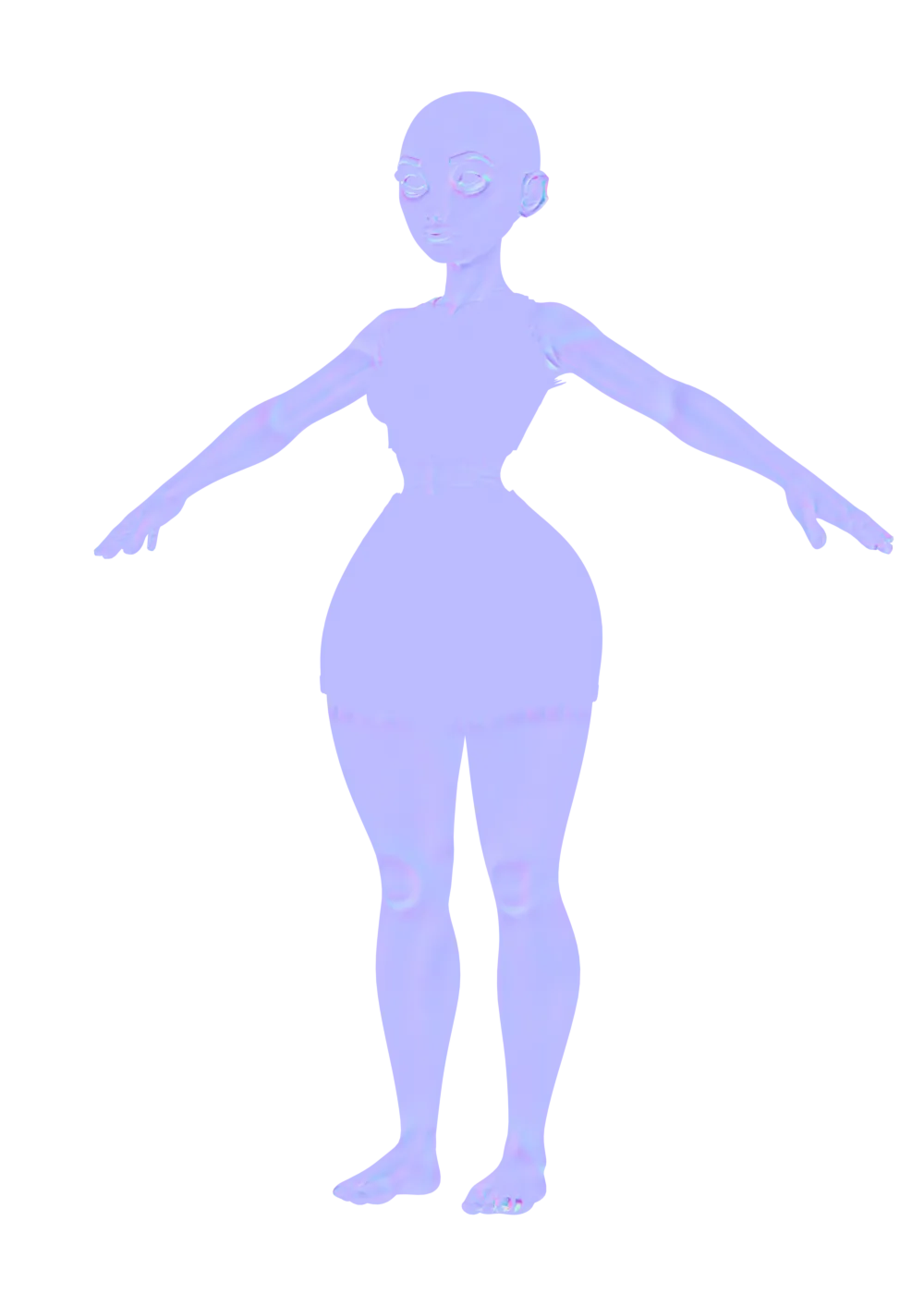
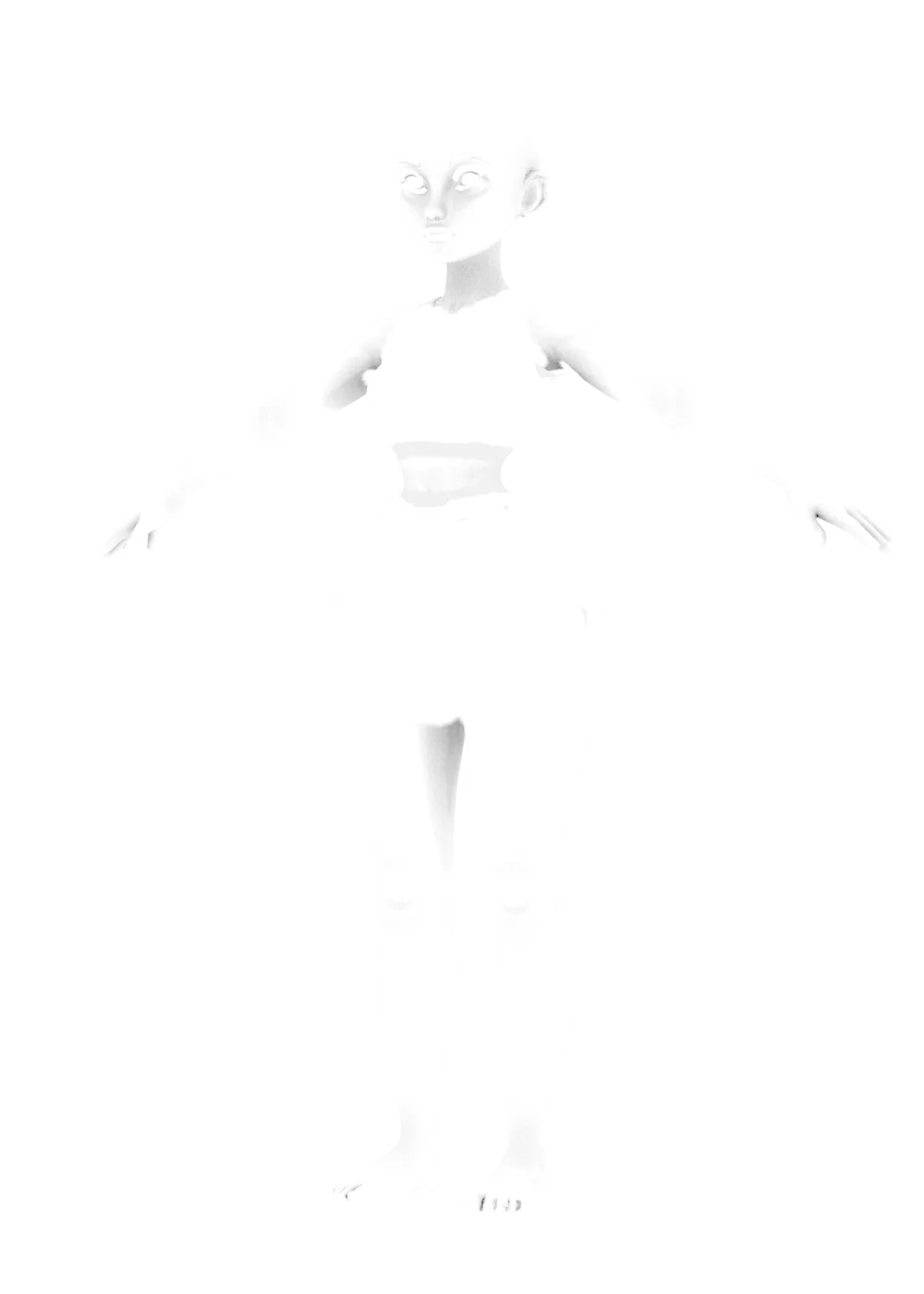
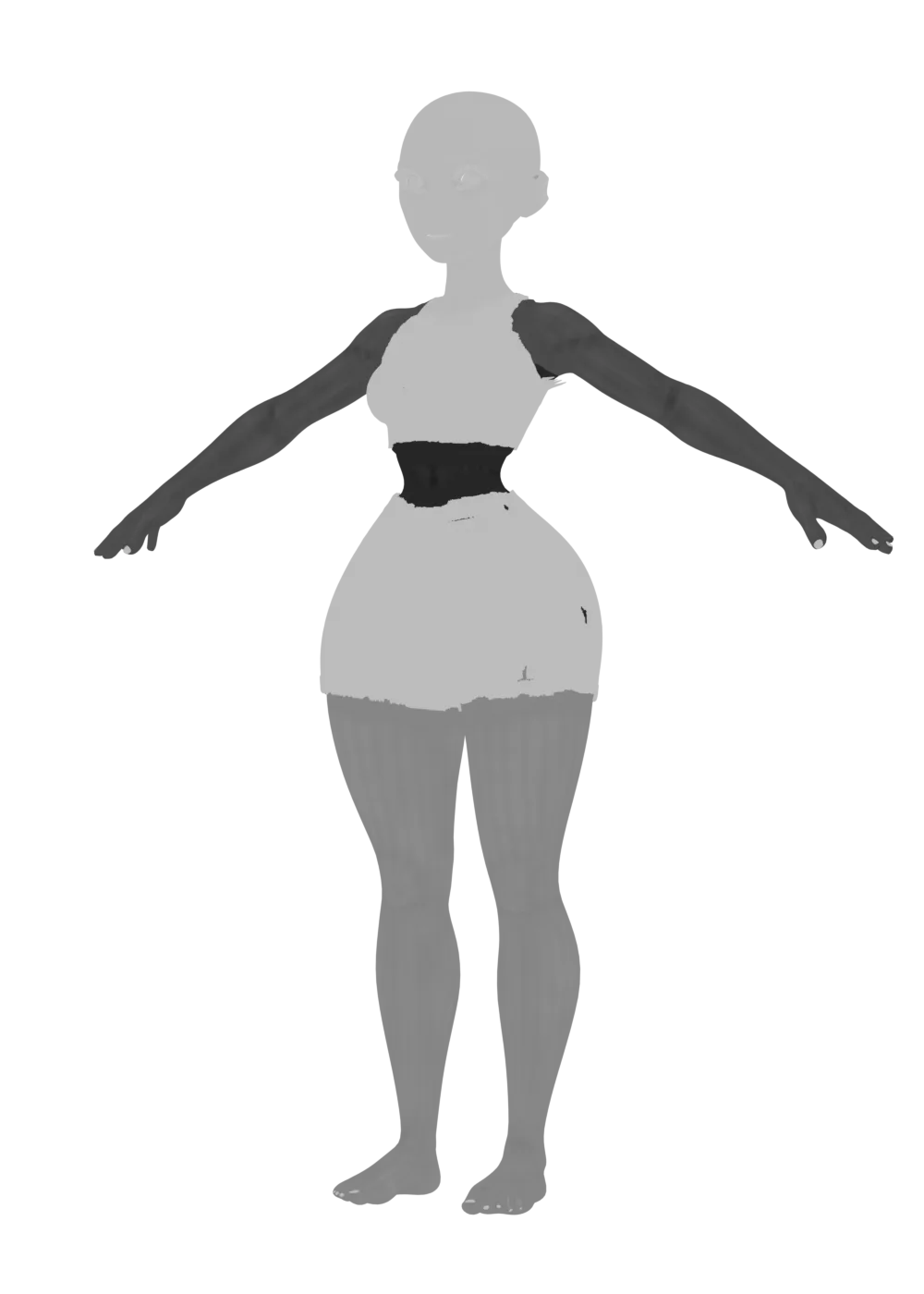
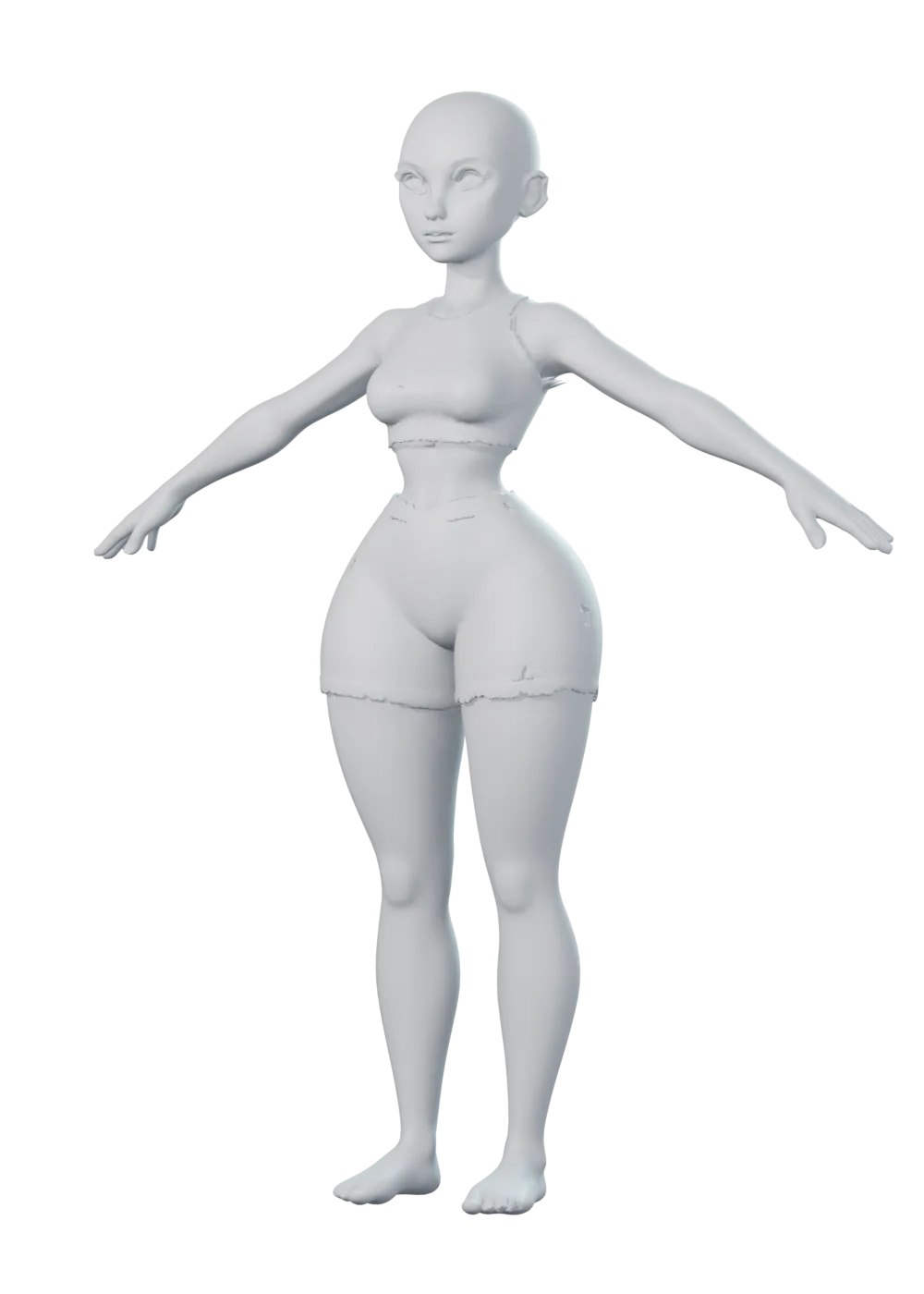
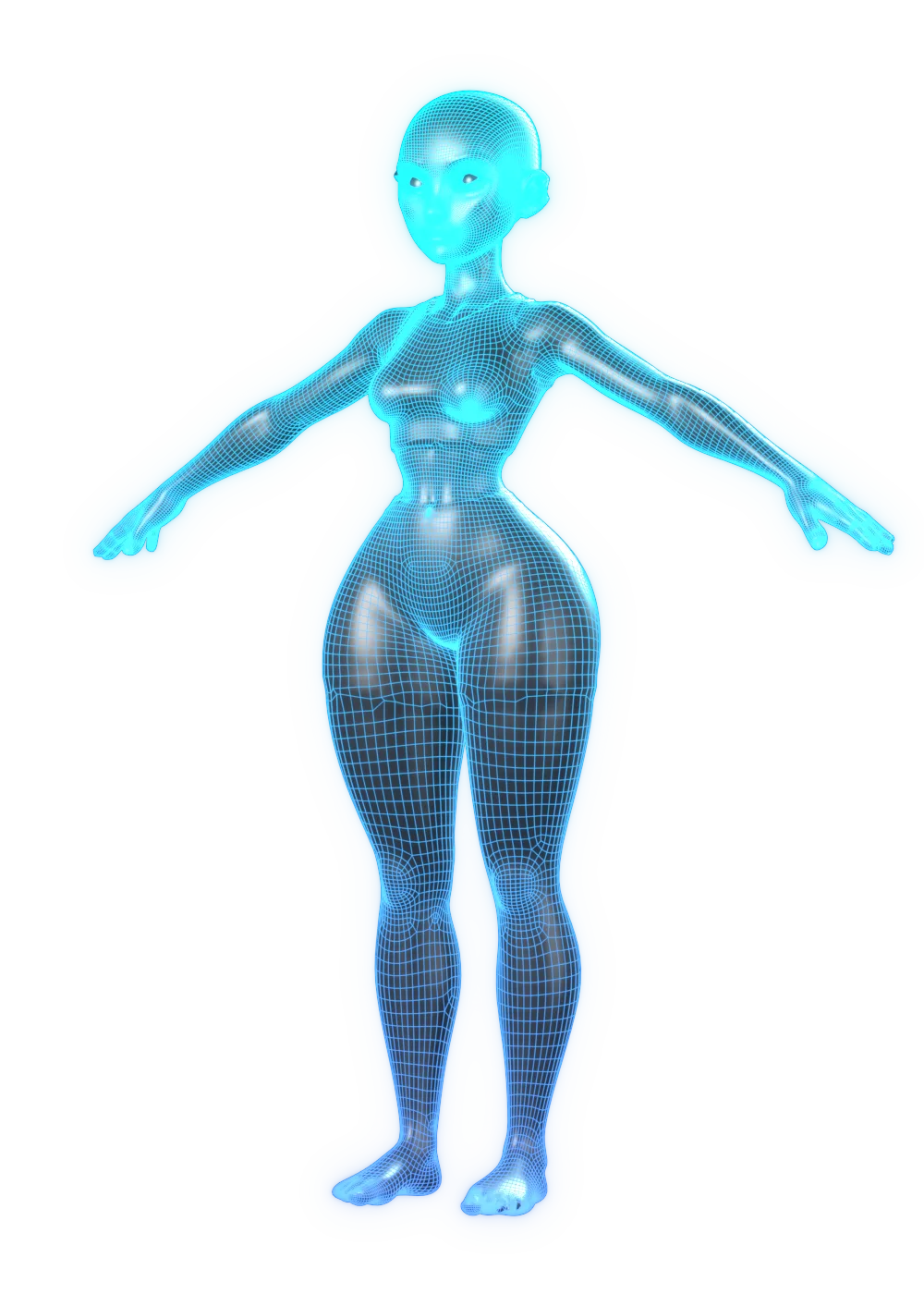
06 · Finish
Colour, normal, occlusion, height and more, baked onto clean UVs at the size your target needs.
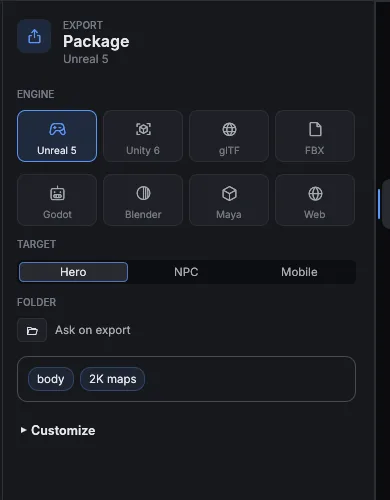
07 · Export
Unreal 5, Unity 6, Godot, Blender, Maya, glTF and the web, each with its own units, normals and packing.
Any body
Same skeleton, same UVs, same export. Creature, heavy or stylised: the fit follows the mesh.

01
Hourglass figure · anime eyes

02
Goblin · oversized head

03
Extreme muscle mass

04
Heavy build

05
Long limbs, narrow frame
Export
Pick Hero, NPC or Mobile once. Bake size, LOD budgets and material limits follow everywhere.
Inside
No round trips between five tools. Import, fix, dress and export in one place.
Edge loops that deform. Opt-in, with before and after, and revert.
Detected points and curves, reviewed by you. Unsure ones are flagged.
The base body takes your mesh's shape. Horns and tails stretch from it.
Skeleton and weights in one pass. Test poses and a weight brush.
Colour, normal, curvature, thickness, AO and skin, at the target size.
Match pose, layered fit and tightness by region, for any imported garment.
Fabric presets and a live simulation switch. Drape, then refit.
Eyes, mouth, nails, lashes, skin layers and creature parts.
Joint handles, IK limbs and library clips on the timeline.
Triangles, influences, materials and bones checked against the target.
Sculpt, weights, fit, pose and look. Every step named and undoable.
Models ship as packs on your machine. No uploads, no credits.
Private by design
Enfigure runs locally, its models included. They download once, as packs. No uploads, no credits, no queue.
Public beta
Free to download. Pro for the full pipeline.
Enfigure Pro
Public beta€21.42/ month
Including 19% VAT in Germany. Confirmed before you pay.
Billed monthly. Cancel any time.